Kodak EasyShare DX6440 zoom digital camera — User's Guide
Table of Contents > Getting Started > Checking Camera Status
1 Getting Started
Checking Camera Status
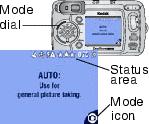
The icons that appear on the camera screen indicate the active camera and picture settings. See Camera Screen Icons for a list of the icons.
To check the current camera settings:

|
|
|
|
|
|
||
|
|
||
|
|
||
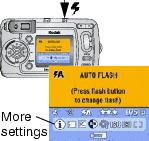
 is displayed in the status area, press the Flash/Status button to display additional settings.
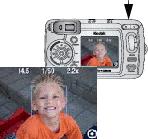
  to redisplay the status information at any time.
 Previous Next