KODAK EASYSHARE M340 Digital Camera — Extended user guide
Table of Contents > Setting up your camera > Other charging options
1 Setting up your camera
Other charging options
First, turn OFF the camera. The charging light blinks during charging and stays steady when the battery is fully charged.
|
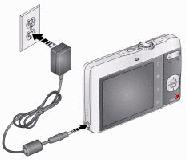
KODAK 5V AC Adapter (May be sold separately.) |
|
|
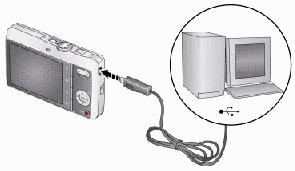
KODAK USB Cable and a USB computer port Ensure that the USB cable is connected to a powered USB port and the computer is turned on (not in sleep mode). |
|
|
Purchase accessories |
|
|
Learn more about USB charging |
Previous Next