KODAK EASYSHARE Digital Frame — P750/P850
Table of Contents > Changing settings and more > Changing your frame orientation
3 Changing settings and more
Changing your frame orientation
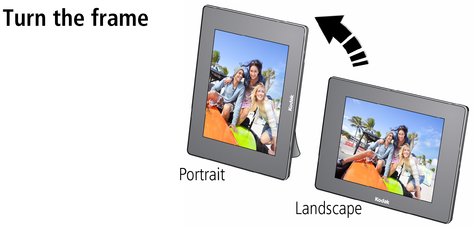
Your frame is set up to display pictures in landscape orientation  .
.
To change the orientation to portrait  , simply turn the frame on its side. The picture is automatically displayed in the new orientation.
Previous Next