KODAK EASYSHARE M590 Digital Camera — User guide
Table of Contents > Do more with your camera > Take a video
1 Do more with your camera
Take a video

|
|
|
|
|
1.
Press the Mode button, then
 to choose Video to choose Video  , then press OK. , then press OK. |
||
|
2.
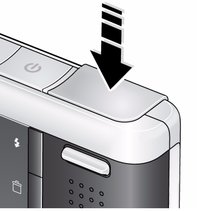
Press the Shutter button completely down, then release it. To stop recording, press and release the Shutter button again.
|
|||
Previous Next