KODAK EASYSHARE Digital Frame — P85
Table of Contents > Getting started > Setting your language
1 Getting started
Setting your language
The language screen appears the first time you turn on your frame.
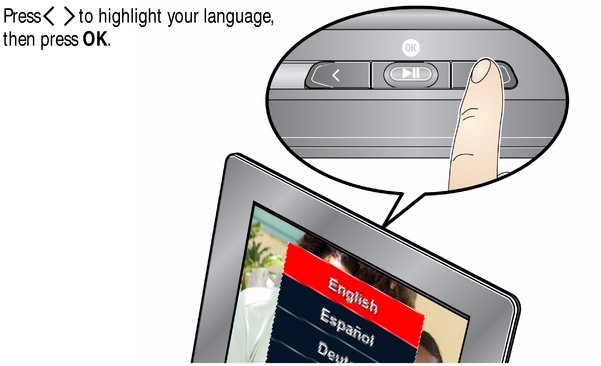
To change the language on your frame at a later time:
-
Press the Power
 and Previous
  buttons at the same time to pause a slideshow and display the language screen.
 -
Press
 to highlight your language, then press OK.
Previous Next