KODAK EASYSHARE Digital Frame — P85
Table of Contents > Viewing pictures > Viewing pictures from a card or USB device
2 Viewing pictures
Viewing pictures from a card or USB device
-
Turn on the frame.
-
Insert a memory card, USB flash drive, or other USB device (see Inserting a memory card).
Your pictures start playing automatically.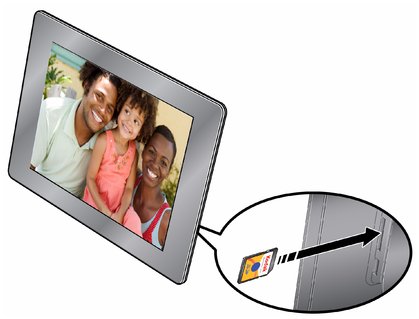
Previous Next