KODAK EASYSHARE Camera / C15 — Extended user guide
Table of Contents > Taking pictures/videos > Taking pictures
2 Taking pictures/videos
Taking pictures

|
|
|
|
|
To get clear, focused pictures: | ||
|
1.
The camera turns on in Auto mode. If it turns on in a different mode, press the Mode
 button, then button, then  until the LCD displays Auto until the LCD displays Auto  , then press OK. , then press OK. |
|||
|
2.
Compose the picture.
|
|||
|
3.
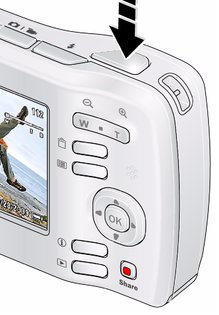
Press the Shutter button completely down.
|
|||
Previous Next