Kodak EasyShare Z1015 IS digital camera — Extended user guide
Table of Contents > Setting up your camera > Loading the battery
1 Setting up your camera
Loading the battery
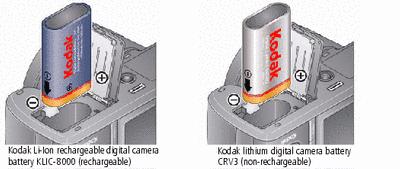
To charge the KLIC-8000 battery, see Charging the KLIC-8000 battery.
Charging the KLIC-8000 battery
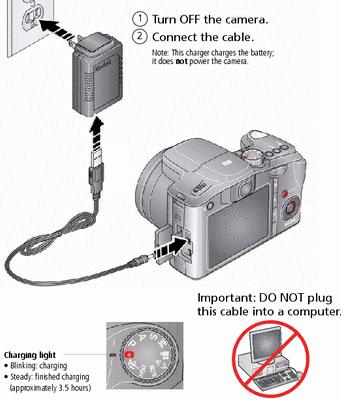
Charging the battery using optional accessories
|
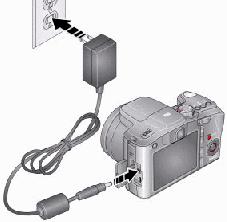
Kodak 5V AC adapter (2 amp) To charge the battery, turn off the camera. To power the camera (without charging the battery), turn on the camera. |
|
|
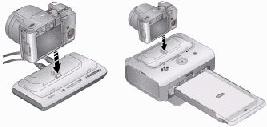
Kodak EasyShare camera and printer docks Turn off the camera. |
|
|
Kodak USB cable and a USB computer port Turn off the camera. Ensure that the USB cable is connected to a powered USB port and the computer is turned on (not in sleep mode). |
|
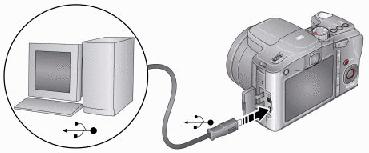
|
Purchase accessories |
|
|
Learn more about USB charging |
Previous Next