KODAK EASYSHARE Digital Frames — P730/P730m/P736
Table of Contents > Getting started > Setting up your frame
1 Getting started
Setting up your frame
Attaching the stand
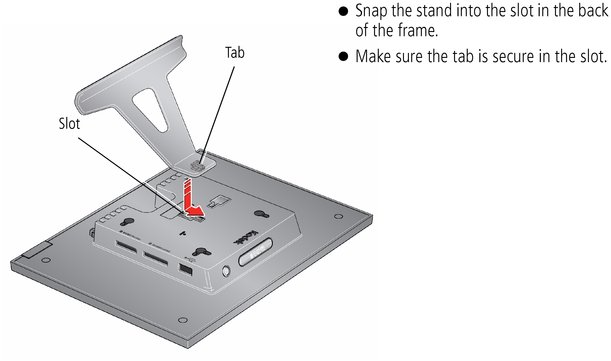
Your frame displays pictures in landscape orientation  . To change to portrait orientation
  , see Changing your frame orientation.
Attaching the power cable

|
CAUTION: Do not use this power cable with other devices, including digital cameras. |

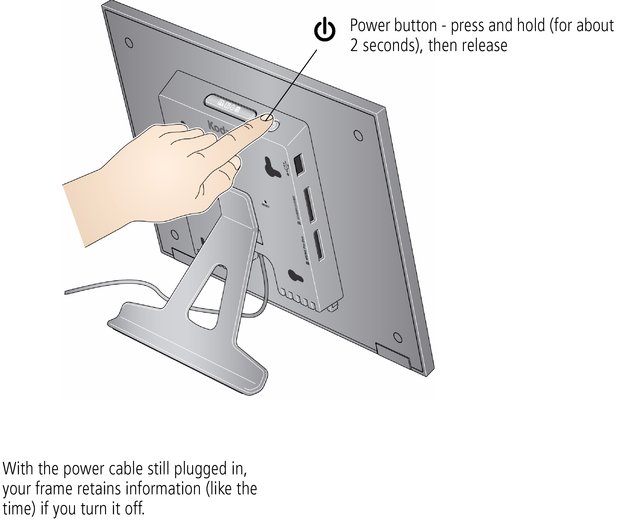
Turning your frame on and off
Previous Next